Anúncios
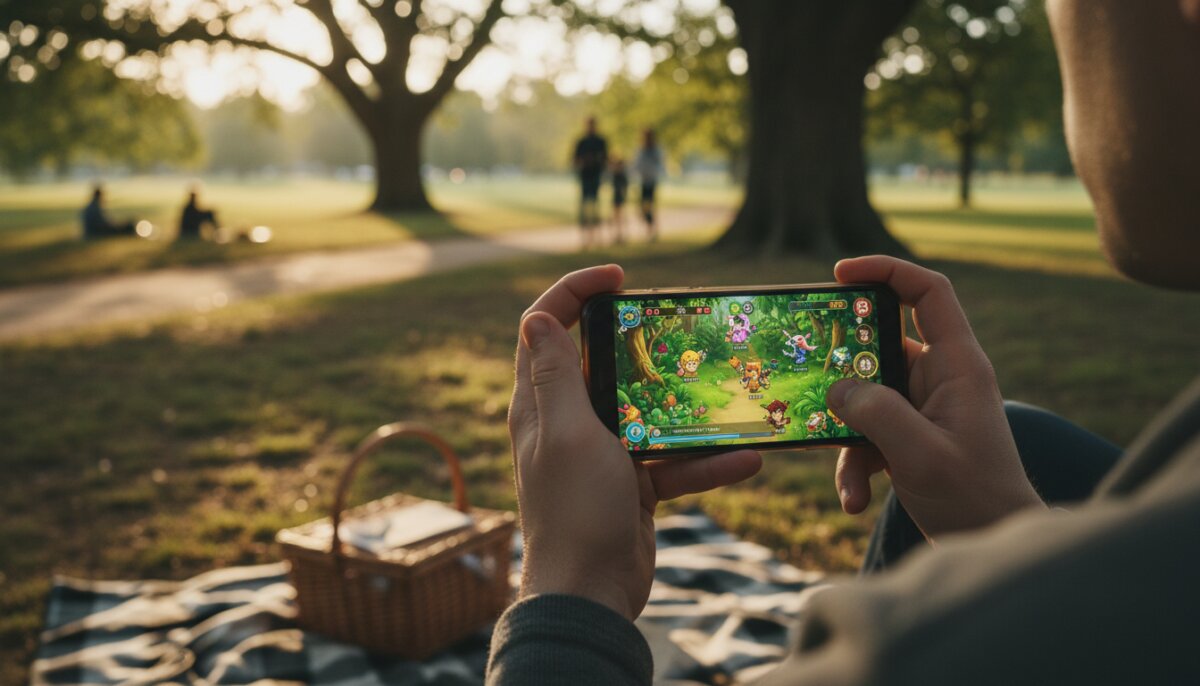
Imagine booting up a graphically demanding title during your lunch break, playing it on the same phone you use to scroll social media, and picking up exactly where you left off on your TV that evening. That scenario isn’t science fiction anymore — it’s the everyday reality of cloud gaming, and your smartphone is quietly becoming the most convenient console you’ll ever own.
If you’ve been curious about streaming games instead of downloading them, this guide walks you through everything that actually matters: how it works, what you need, which services fit which players, and how to squeeze the best performance out of the phone already in your pocket.
Anúncios
What Cloud Gaming Actually Means
Cloud gaming flips the traditional model on its head. Instead of your device running the game, a powerful remote server does the heavy lifting — rendering graphics, processing physics, handling AI — and then streams the video feed to your phone. Your inputs travel back to the server in milliseconds.
Think of it like Netflix for games. You’re not downloading the movie; you’re watching it in real time. The difference is that cloud gaming also has to react to your taps, swipes, and controller presses without any noticeable delay.
Why Smartphones Are the Perfect Fit
Modern phones already have bright OLED displays, high refresh rates, great speakers, and fast Wi-Fi chips. They just can’t run a blockbuster AAA game natively without melting. Cloud gaming solves that by offloading the work elsewhere, so even a mid-range handset can stream titles that would normally require a gaming PC.
What You Need Before You Start
Cloud gaming is forgiving, but it isn’t magic. A few fundamentals determine whether your session feels buttery or frustrating.
- A stable internet connection — typically 15 Mbps or more for smooth 1080p streaming, and higher for 4K-capable services
- Low latency, ideally under 40 ms ping to the nearest data center
- A reasonably modern smartphone with a decent screen and browser
- A subscription to a cloud gaming service (or a game library tied to one)
- Optional but highly recommended: a Bluetooth controller and a phone clip
Wi-Fi 5 or newer is your friend here. If you’re gaming on mobile data, 5G will usually deliver a clean experience, while congested 4G can cause stutters during peak hours.
Picking the Right Cloud Gaming Service
There’s no single winner — the best service depends on the games you love and the ecosystem you already live in. Here’s how the major players compare in broad strokes.
Xbox Cloud Gaming
Bundled with Game Pass Ultimate, this option gives you hundreds of titles ranging from indie gems to big-budget releases. It runs through a browser or dedicated app on Android, and via Safari on iPhone. Controller support is broad, and the library leans heavily toward console-style experiences.
GeForce NOW
Nvidia’s service is different because it streams games you already own on stores like Steam or the Epic Games Store. You’re essentially renting a gaming PC in the cloud. That makes it ideal if you’ve built up a library over the years and want to play those same titles on your phone.
PlayStation’s Cloud Streaming
Available to higher-tier PlayStation Plus subscribers, this option streams a rotating catalog of PS4 and PS5 titles. Mobile support has historically been more limited than competitors, though remote play from your own console to your phone remains a strong feature.
Amazon Luna
Luna uses a channel-based model, letting you subscribe to specific game collections. It’s a lighter commitment and works well for casual players who want curated libraries rather than an all-you-can-eat buffet.
Setting Up Cloud Gaming on Your Phone
Getting started is genuinely simple. Follow these steps and you’ll be in-game within minutes.
- Choose a service that matches your taste and sign up for a plan
- Install the official app from your app store, or bookmark the service’s web player if you’re on iPhone
- Sign in and link any existing accounts (Steam, Epic, Xbox, etc.) if the platform supports it
- Pair a Bluetooth controller through your phone’s settings — most Xbox, PlayStation, and third-party pads work
- Run a quick network test inside the app to confirm your connection is suitable
- Launch a game, adjust touch controls or controller layout if needed, and start playing
If your chosen service offers a free trial or a light tier, use it first. You’ll learn quickly whether your home network can handle the demands before committing to a paid plan.
Getting the Best Performance
Even a great service can feel sluggish if your setup isn’t optimized. A few small tweaks make a surprising difference.
Network Tips
- Sit close to your router or use the 5 GHz band for lower interference
- Pause large downloads and video streams on other devices while playing
- Consider a mesh network if your home has dead zones
- Restart your router occasionally — a fresh connection often cleans up latency spikes
Phone Tips
- Close background apps before launching a cloud session
- Keep the phone cool — thermal throttling can hurt decoding performance
- Plug in or use a battery pack for long sessions, since streaming drains batteries faster than most activities
- Turn on your phone’s highest refresh rate option if the game supports it
Controllers, Grips, and Accessories
Touch controls have improved a lot, but nothing matches the feel of real buttons for action games, shooters, or platformers. You have two solid paths here.
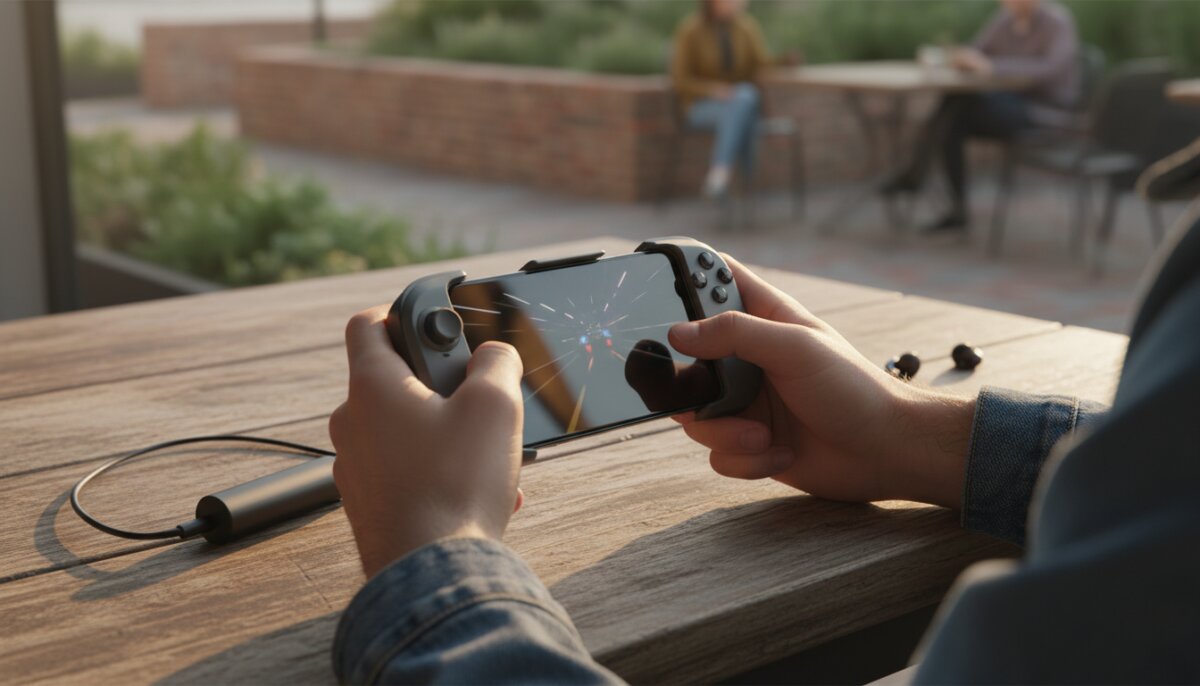
The first is a traditional Bluetooth controller paired with a clamp or phone clip. This keeps your existing gamepad useful and works across devices. The second is a dedicated mobile controller that slides onto your phone like a handheld console, giving you a Switch-style form factor that’s perfect for travel.
If you play in bed or on the couch, a simple tabletop stand is surprisingly liberating. Prop the phone up, lean back with a controller, and the experience starts to feel more like a traditional console session.
The Pros and Cons Worth Knowing
Cloud gaming is impressive, but it’s not flawless. Going in with realistic expectations prevents disappointment.
The Upsides
- Play demanding games on modest hardware
- No massive downloads or storage headaches
- Switch devices and pick up where you left off
- Try huge libraries for the cost of a subscription
- Instant access — most games launch in seconds
The Downsides
- You’re dependent on a strong internet connection
- Input lag, though small, exists and can affect competitive play
- Libraries rotate — games you love may leave the service
- Data usage adds up quickly on capped plans
- You own access, not the games themselves
Who Cloud Gaming Is Really For
If you’re a commuter who wants to sink twenty minutes into a big RPG on the train, cloud gaming fits you perfectly. The same goes for travelers, students in dorms with no room for a console, and parents who only get gaming time after bedtime and want something quick to launch.
Competitive players who need frame-perfect inputs for fighting games or ranked shooters are the main group that should be cautious. Local hardware still wins for that use case. For nearly everyone else, the trade-off is easily worth it.
Common Questions, Answered Quickly
Does cloud gaming use a lot of mobile data?
Yes — expect several gigabytes per hour at high quality. If you’re on a metered plan, stick to Wi-Fi or lower the streaming resolution in settings.
Can I play on an iPhone?
Absolutely. Most major services work through Safari as a web app, which you can save to your home screen so it behaves like a native app.
Will my progress save across devices?
In most cases, yes. Your saves live on the server or are synced through the game’s own cloud system, so swapping from phone to tablet to TV is seamless.
Do I need a flagship phone?
No. Because the game runs elsewhere, even a budget device with a good screen and reliable Wi-Fi can handle streaming beautifully.
Making Cloud Gaming Part of Your Routine
The real charm of cloud gaming on a smartphone isn’t replacing your main rig — it’s filling all the moments you couldn’t play before. A waiting room becomes a chance to clear a side quest. A long flight turns into a story mode marathon. That flexibility is what makes the technology feel genuinely new, not just a novelty.
Start with a free trial, pair a controller you already own, and test a few of your favorite genres. Within a weekend you’ll know whether it fits your life — and if it does, the phone in your hand suddenly becomes one of the most versatile gaming devices you’ve ever used.